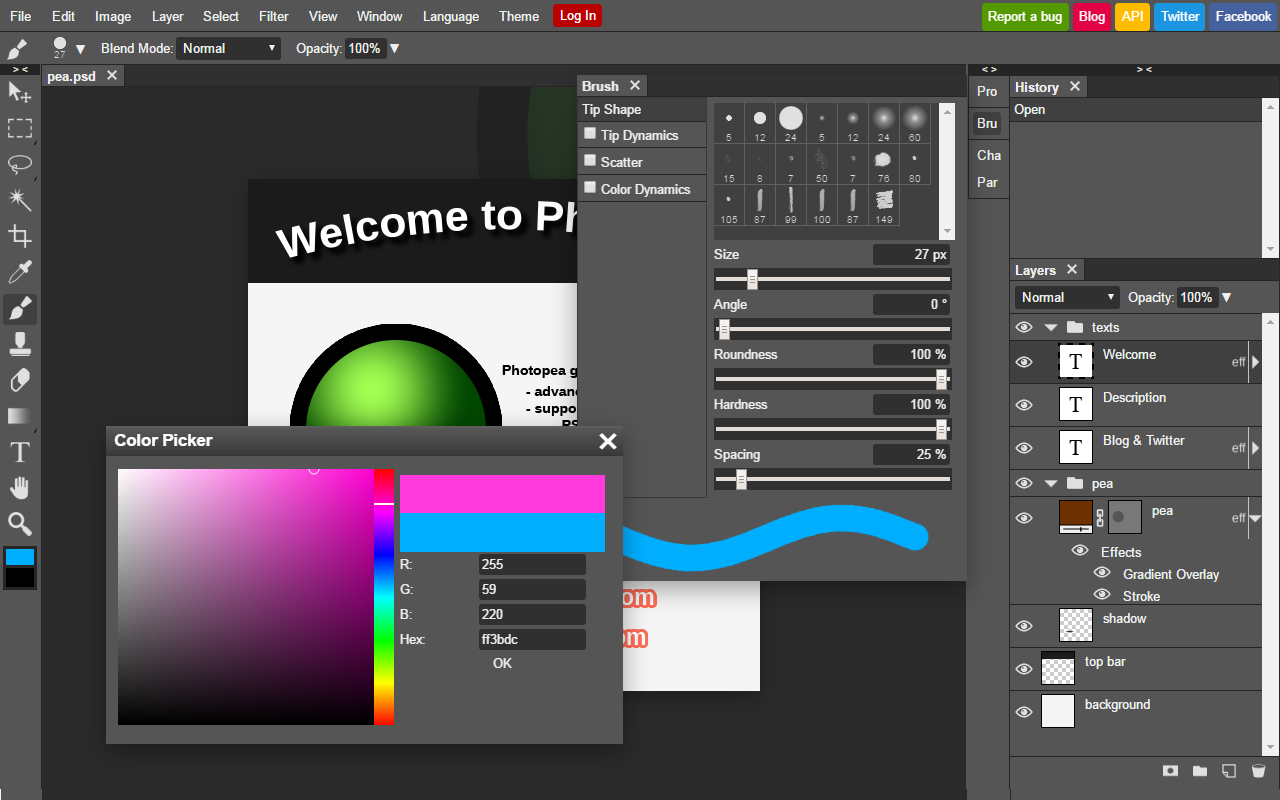
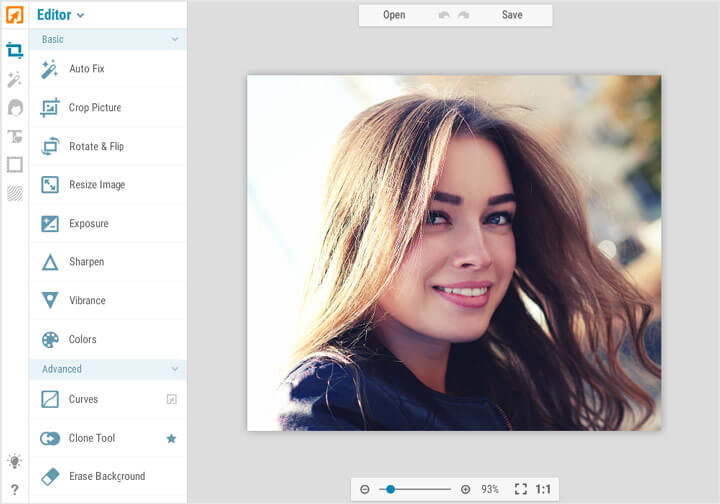
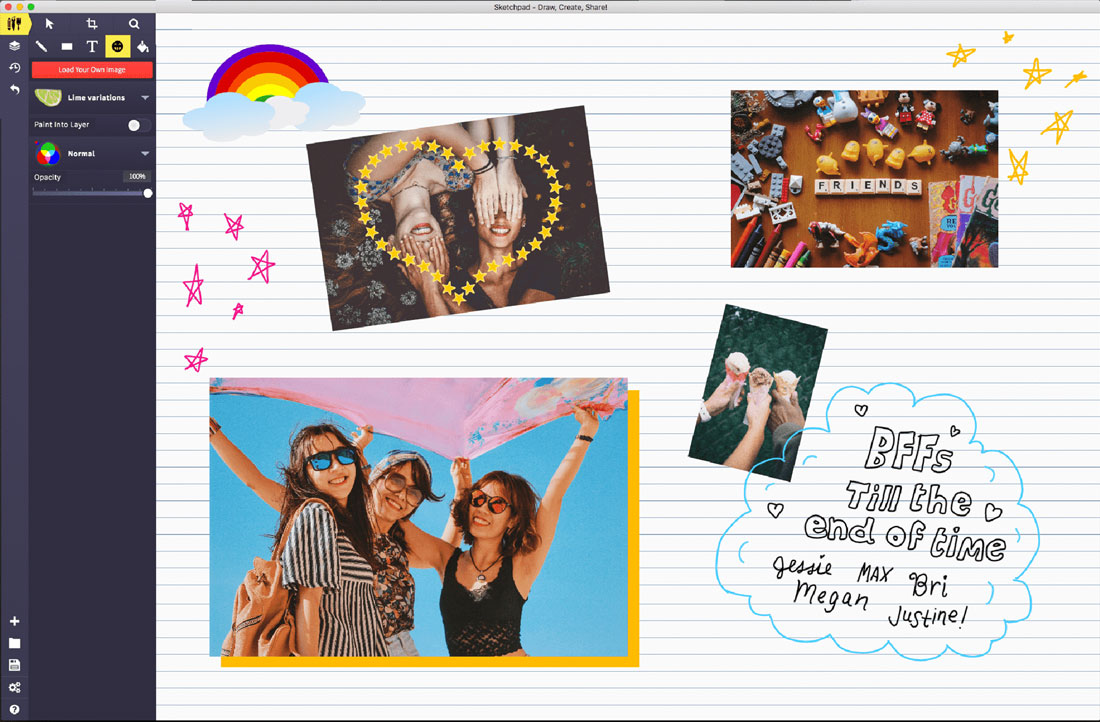
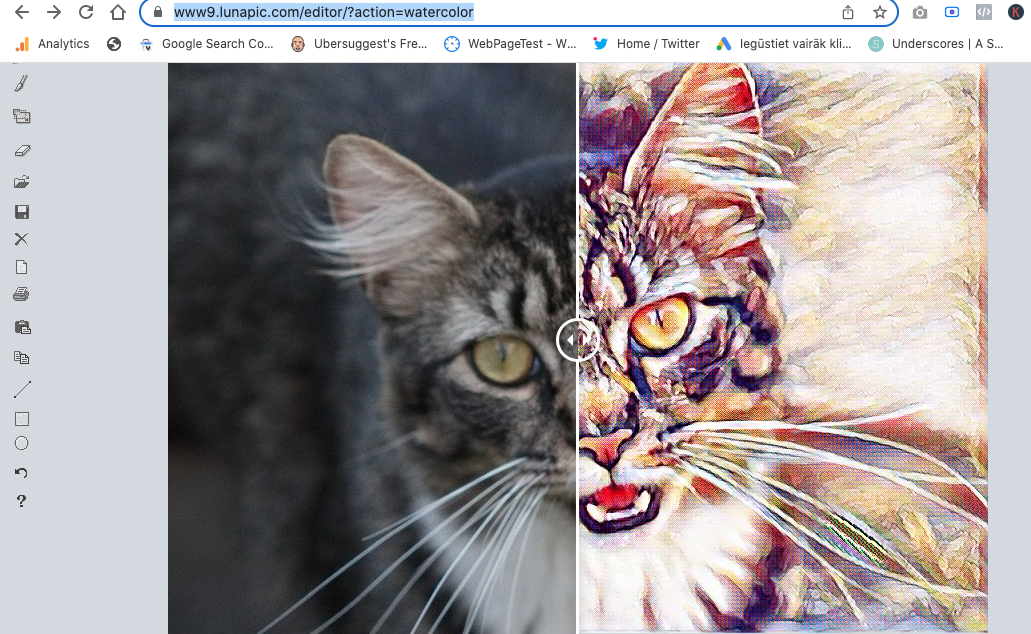
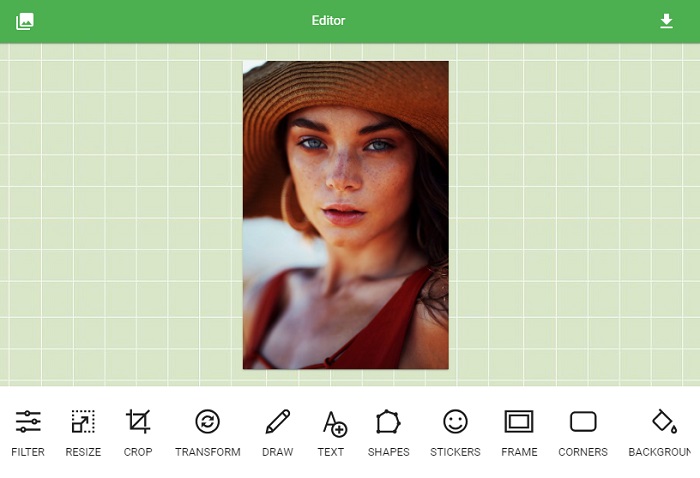
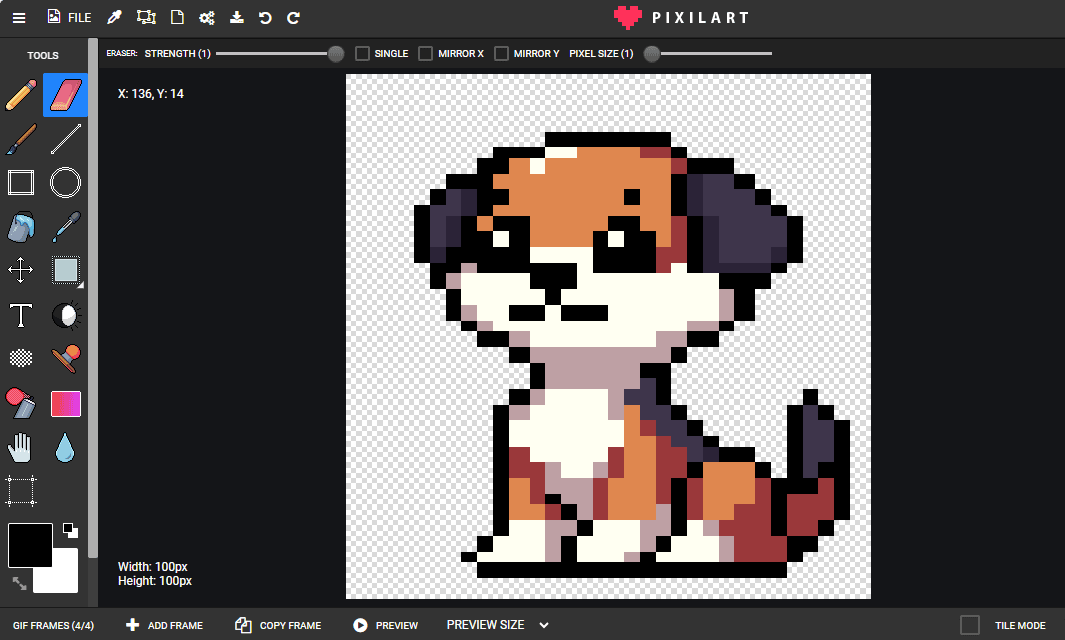
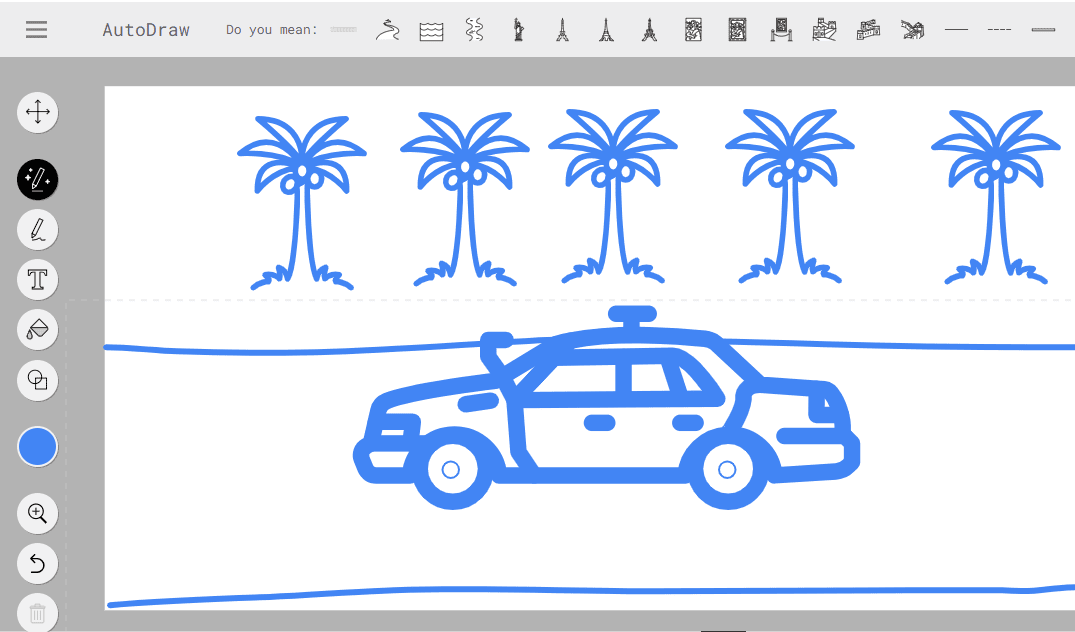
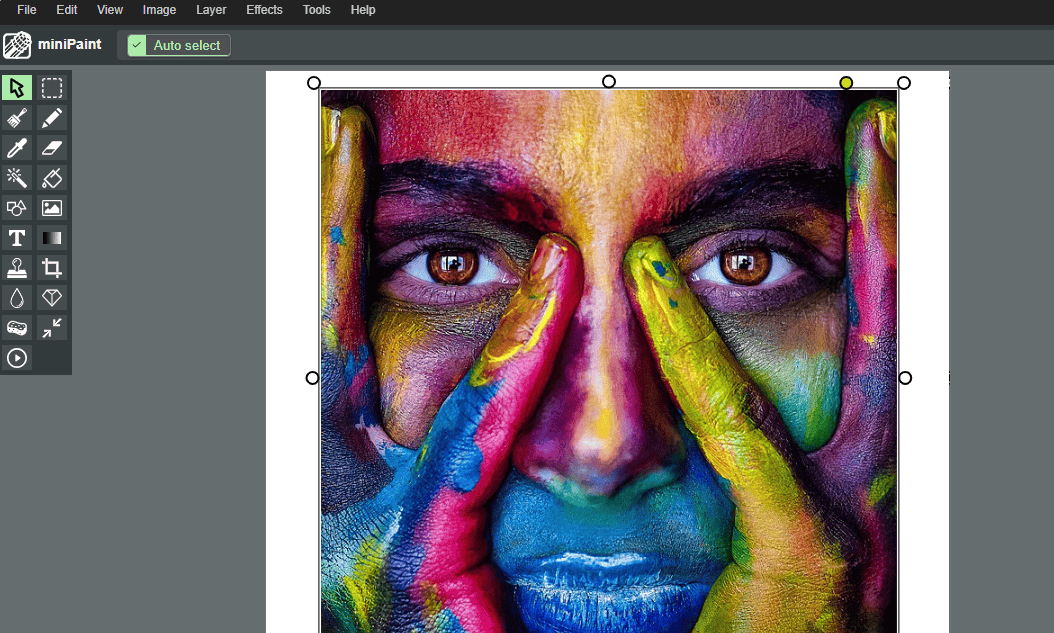
Welcome to our online Paint editor powered by miniPaint — a fast, lightweight, and easy-to-use browser-based drawing and image editing tool. This online paint application allows you to draw, edit, and create images directly in your browser without installing any software.
Whether you want to make quick sketches, edit photos, annotate images, or create simple graphics, our online Paint editor gives you all the essential tools to get the job done quickly and efficiently.
Classic Paint Experience — Modern Web Technology
Our online Paint tool is inspired by classic desktop paint applications, combined with modern web technologies for better performance, flexibility, and accessibility.
You can start drawing instantly and enjoy a familiar paint-style interface with powerful modern features.
Easy Drawing & Editing Tools
- Brush and pencil tools for freehand drawing
- Eraser tool for quick corrections
- Line, rectangle, circle, and shape tools
- Fill (bucket) tool for coloring areas
- Text tool for adding captions and notes
- Color picker and custom color palette
- Zoom and pan for precise editing
- Undo and redo for full editing control
Perfect for Quick Edits & Simple Graphics
This online Paint editor is ideal for users who need a fast and simple tool for:
- Quick image edits
- Drawing simple illustrations
- Annotating screenshots
- Highlighting important areas
- Creating basic diagrams
- Editing memes and social images
- Educational drawings and notes
- Kids and beginners learning digital drawing
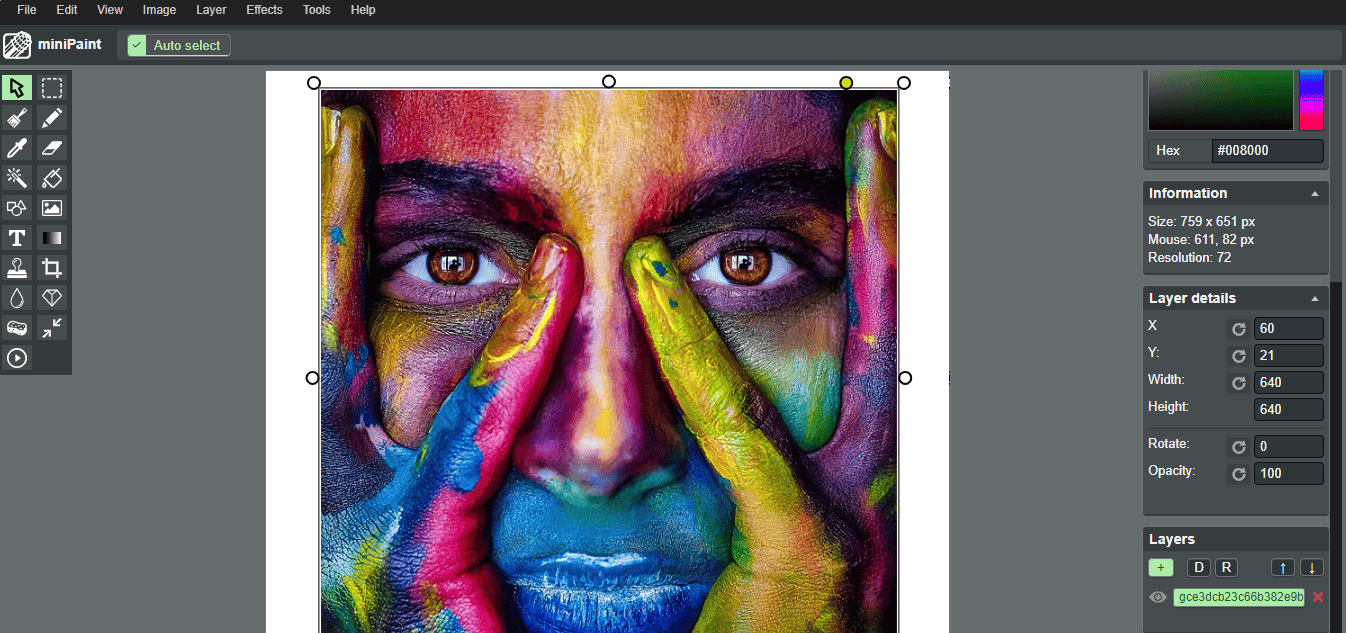
Image Import & Export Support
Upload your own images and continue working on them directly in the browser. Our online Paint editor supports popular image formats and allows you to save your work in high quality.
- Open and edit JPG, PNG, and other common formats
- Save your drawings and edits as PNG or JPG
- Export with custom resolution
- Maintain image quality for web or print
Lightweight, Fast & Secure
The Paint editor runs fully in your browser, which means:
- No software installation
- No account required
- Fast loading and smooth performance
- Works on desktop and modern devices
- Your files stay on your device for better privacy
Great for Students, Teachers & Everyday Use
Our online Paint tool is widely used for educational and everyday tasks, including:
- School projects and homework
- Teacher explanations and diagrams
- Quick visual notes
- Simple creative projects
- Basic graphic design practice
Why Use Our Online Paint Editor?
- Simple and intuitive interface
- Classic paint-style tools
- Fast and lightweight
- No registration required
- Works directly in your browser
- Perfect for quick tasks
- Great for beginners
- Free and easy to use
Start Drawing Online Instantly
Forget heavy graphic software for simple tasks. Our online Paint editor gives you a fast, simple, and reliable way to draw and edit images anytime, anywhere.
Open the Paint editor now and start drawing in seconds — directly in your browser.