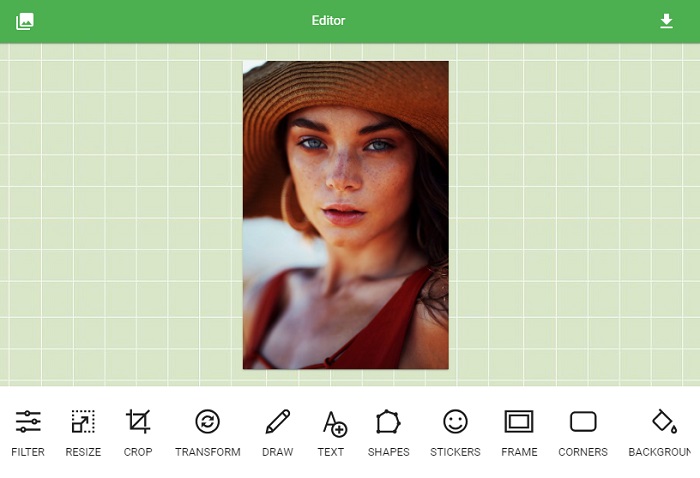
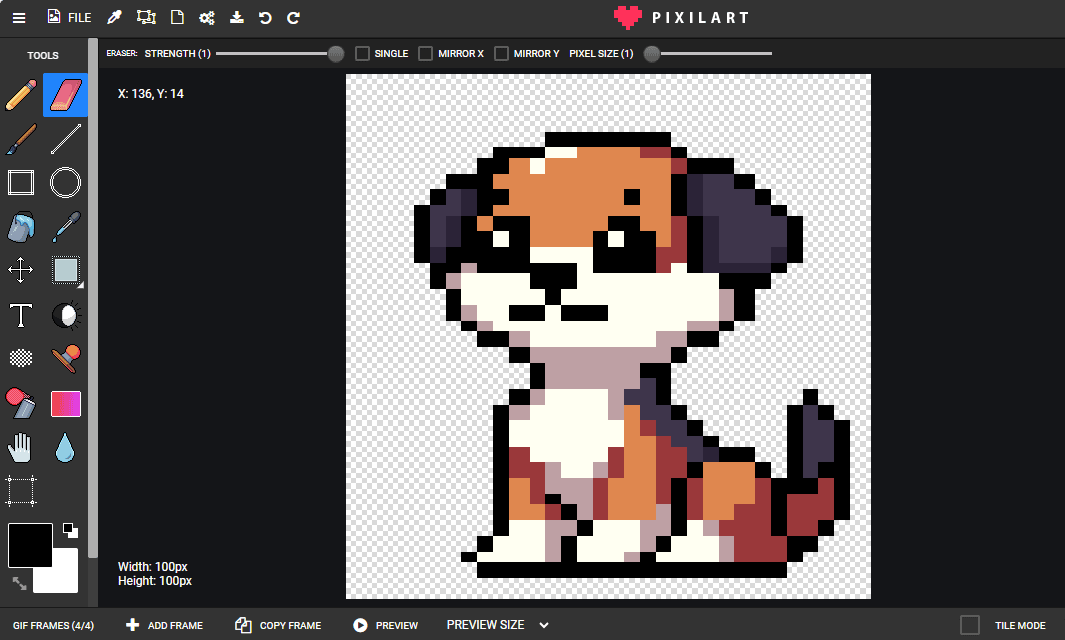
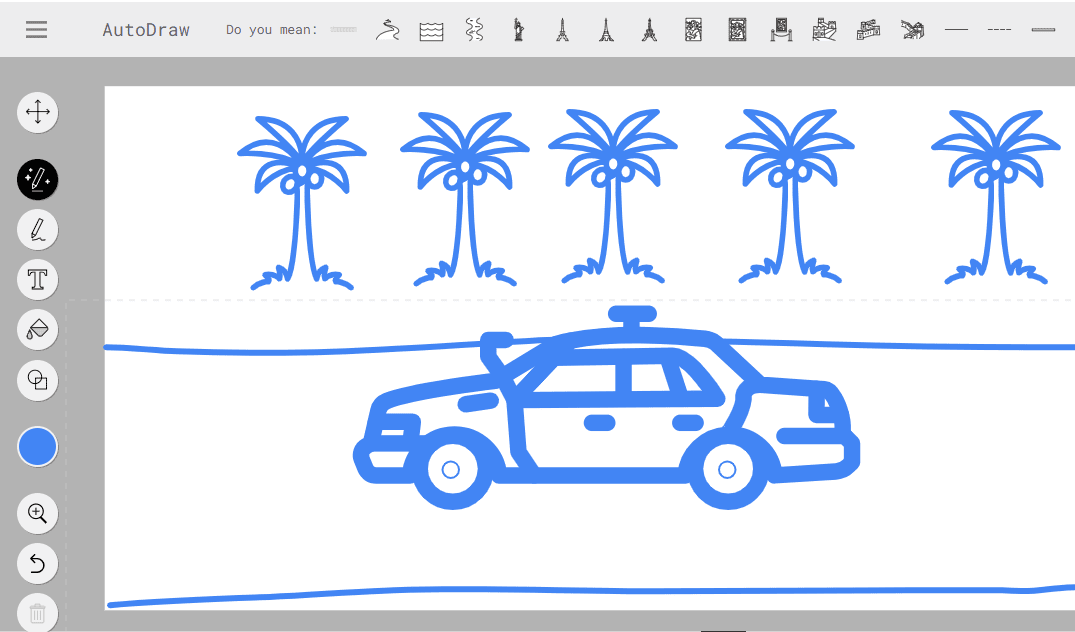
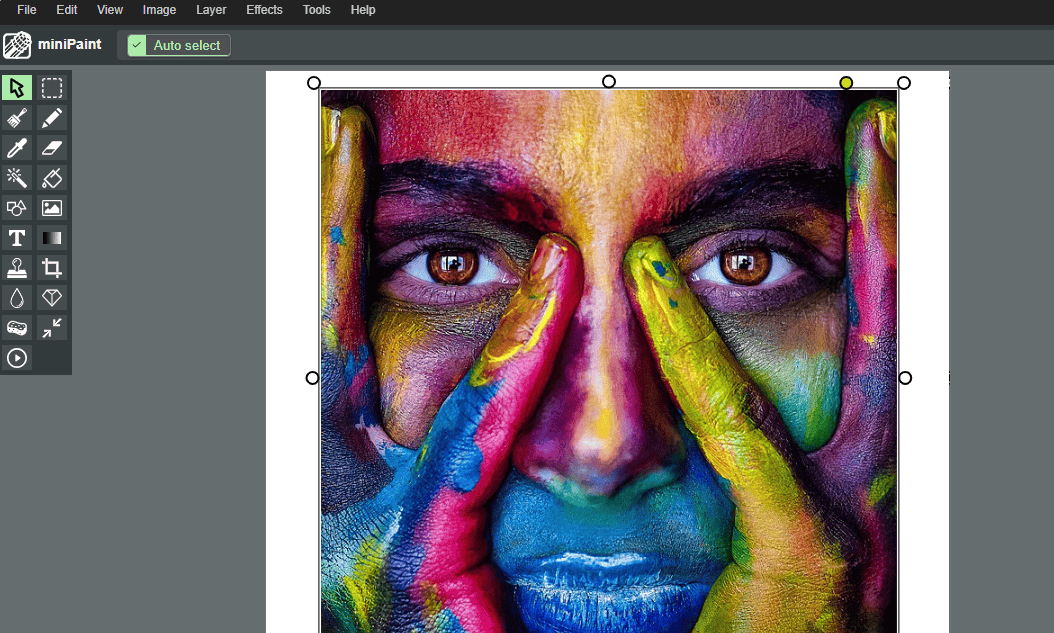
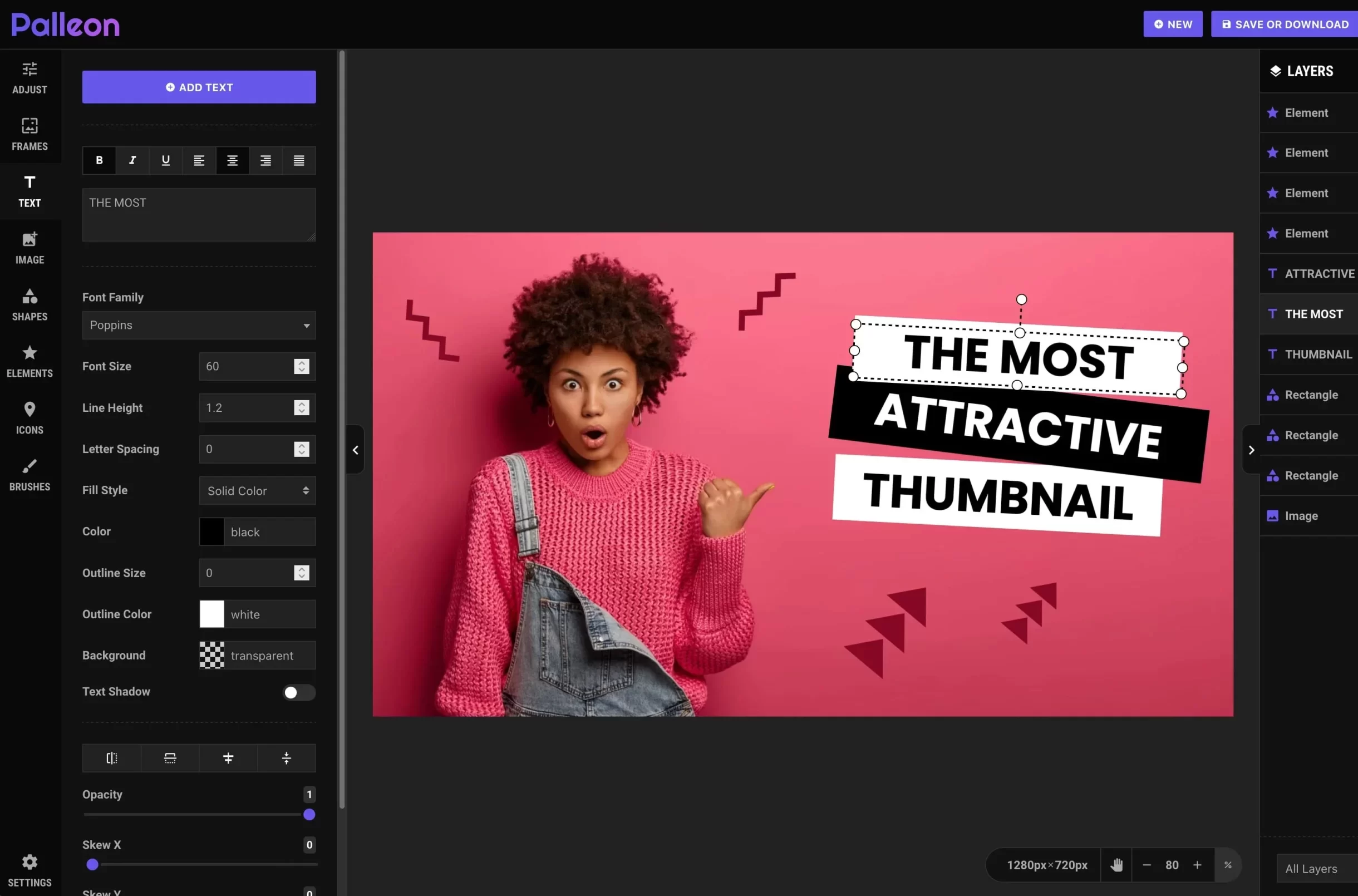
Welcome to Sketchpad — a versatile online drawing and graphic design tool that allows you to create illustrations, sketches, diagrams, and graphics directly in your browser. With Sketchpad, you can start drawing immediately without downloading any software.
Whether you are an artist, designer, educator, student, or hobbyist, Sketchpad provides all the tools you need to bring your creative ideas to life.
Powerful Drawing Tools
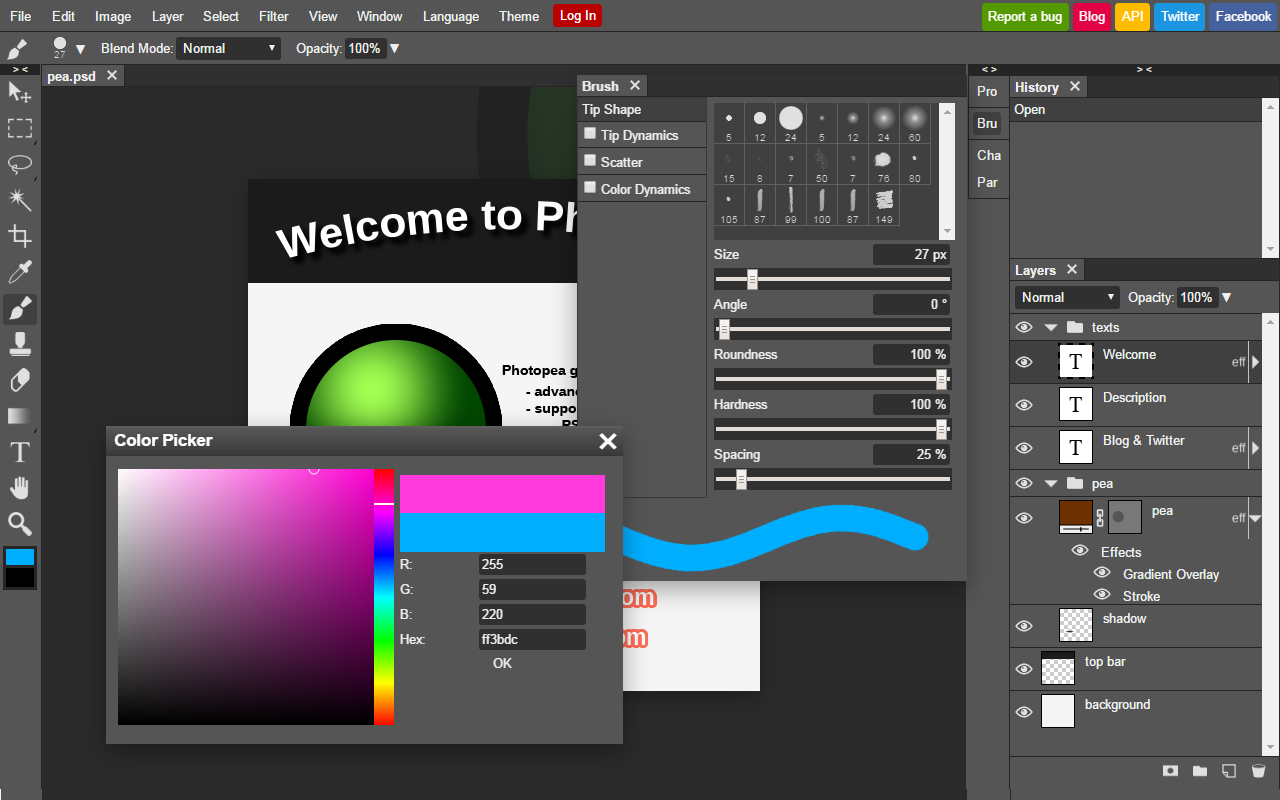
Sketchpad offers an intuitive interface and professional drawing tools, making it suitable for both beginners and advanced users. You can sketch, paint, and design with precision and ease.
- Freehand drawing with customizable brushes
- Shapes and geometric tools: rectangles, circles, polygons, and more
- Fill tool for coloring areas quickly
- Eraser and undo/redo functionality
- Custom color palettes and gradients
- Text tool for adding captions, labels, or titles
- Layer support for complex designs
- Zoom and pan for detailed work
Illustrate, Design & Create
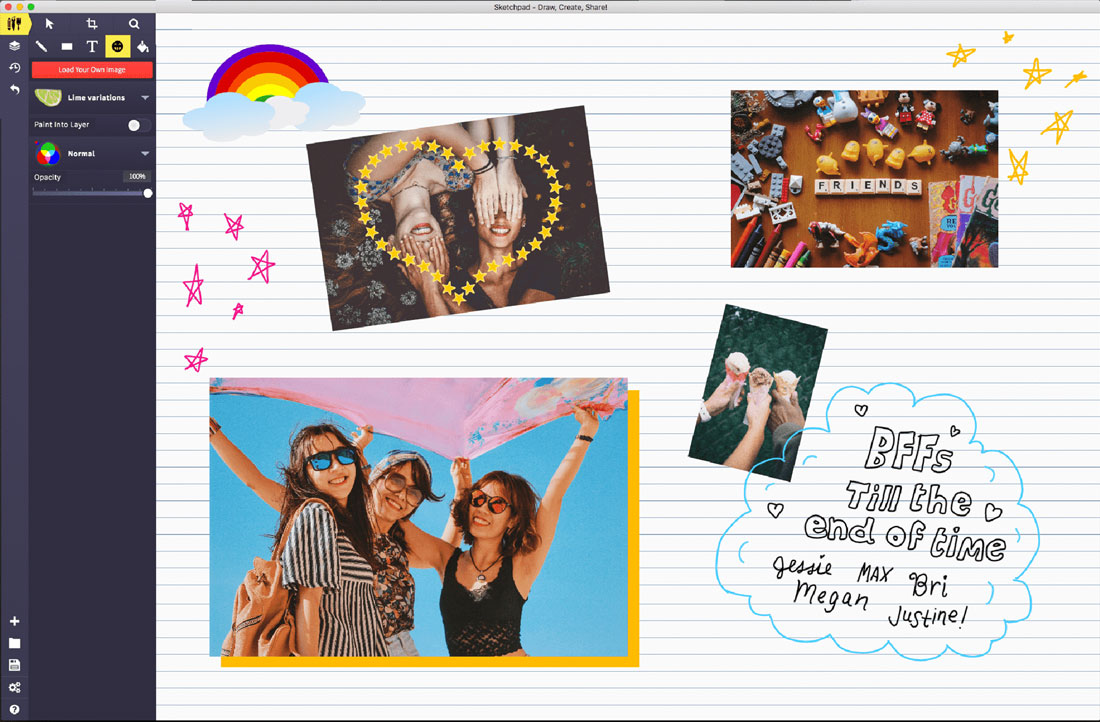
Sketchpad is more than a drawing tool — it is a platform for creativity. You can design logos, diagrams, infographics, and even digital paintings directly in your browser.
- Create professional-quality illustrations and icons
- Design flowcharts, diagrams, and schematics
- Build educational graphics and visual aids
- Sketch storyboards and game concepts
- Make social media graphics, banners, and posters
Multiple Export & Sharing Options
Once your artwork is complete, Sketchpad allows you to save and share your creations easily.
- Export images as PNG, JPG, or SVG for different purposes
- Save projects locally or to cloud storage
- Share your artwork with friends, students, or colleagues
- Reuse or edit saved projects anytime
Fun & Easy to Use for Everyone
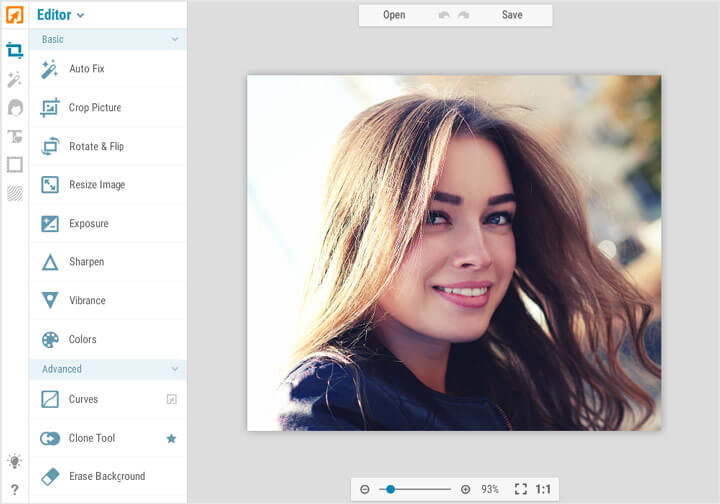
Sketchpad is designed to be user-friendly, making it accessible to users of all ages. Beginners will feel comfortable immediately, while professionals can take advantage of advanced tools.
- Intuitive drag-and-drop interface
- Quick access to all drawing and editing tools
- Responsive design for desktop, tablet, and touch devices
- No registration or download required
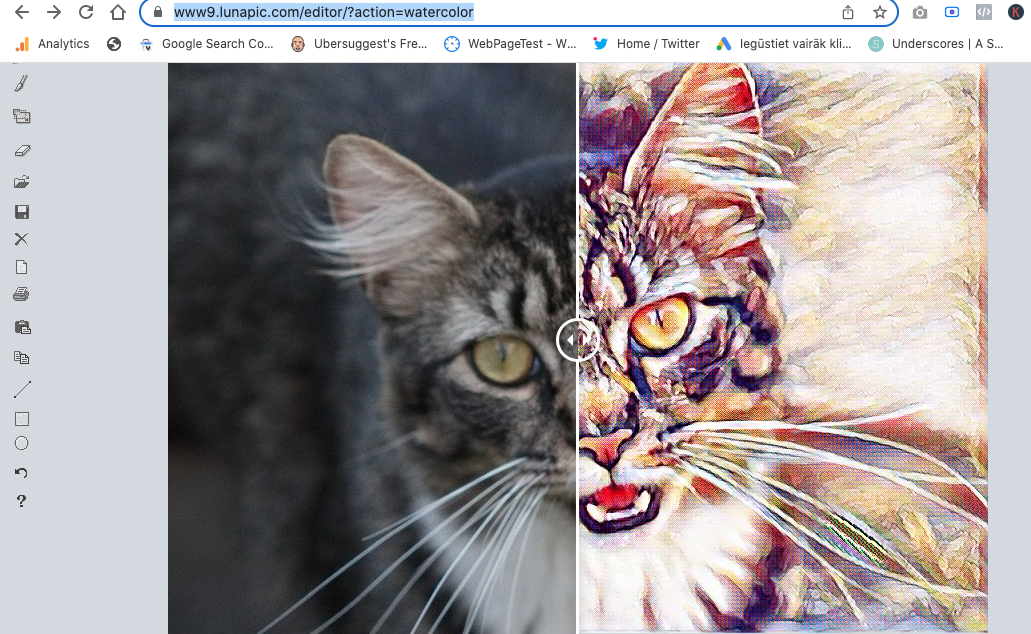
- Instant preview of all changes
Perfect for Education, Art & Creativity
Sketchpad is ideal for schools, students, teachers, artists, and hobbyists. It allows you to teach, learn, and create in a fun and interactive way.
- Educational diagrams and visual lessons
- Interactive drawing assignments and exercises
- Creative projects and art portfolios
- Digital sketches, illustrations, and storyboards
- Team collaboration and brainstorming
Why Choose Sketchpad?
- Powerful online drawing and illustration tools
- Works directly in your browser — no installation required
- Supports layers, shapes, text, and custom brushes
- Export in multiple formats: PNG, JPG, SVG
- Ideal for students, educators, designers, and hobbyists
- Fast, lightweight, and easy to use
- Responsive and accessible on all devices
- Perfect for creative projects, diagrams, and illustrations
Start Drawing Online Instantly
Sketchpad allows you to unleash your creativity without limits. Sketch, paint, design, and illustrate directly in your browser — quickly, easily, and completely online.
Open Sketchpad now and start creating your artwork instantly — all online, all free.