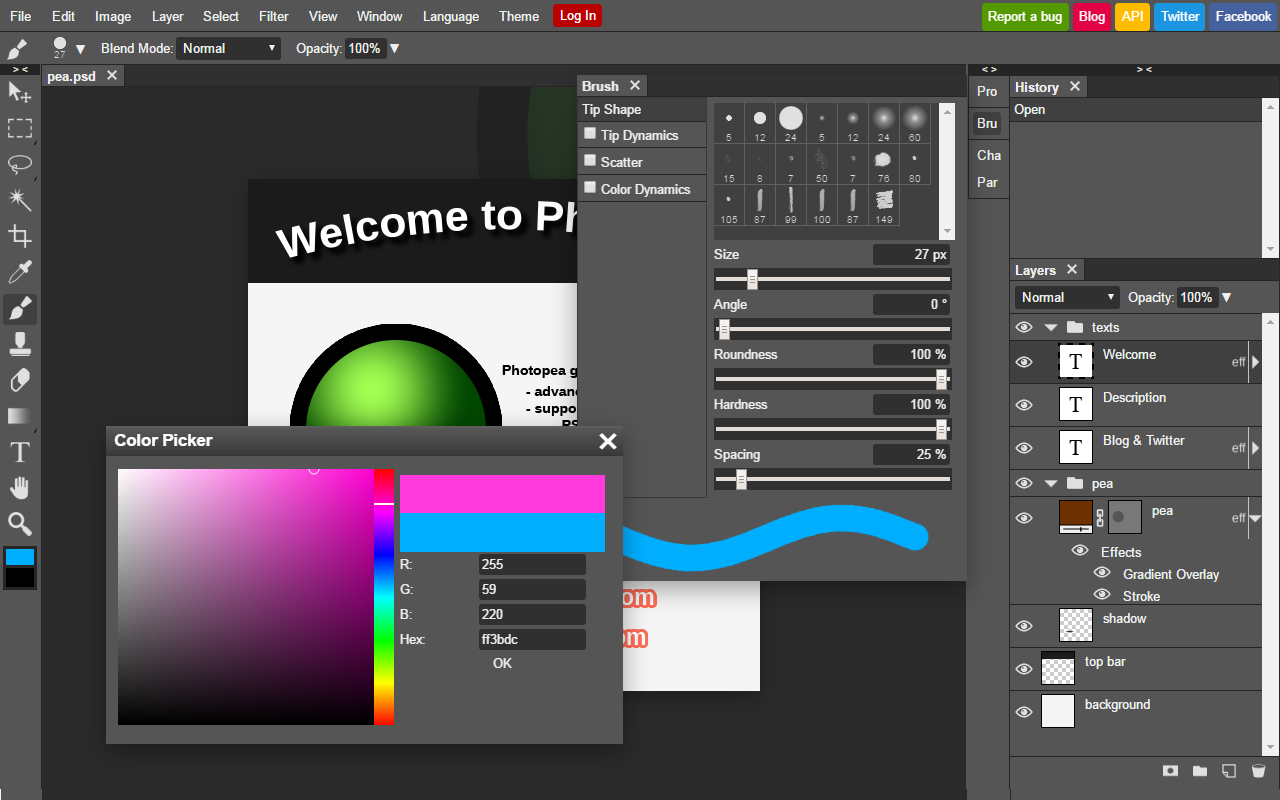
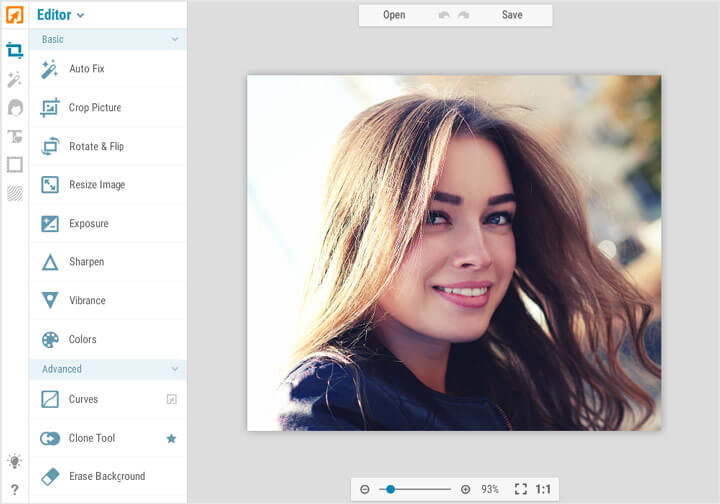
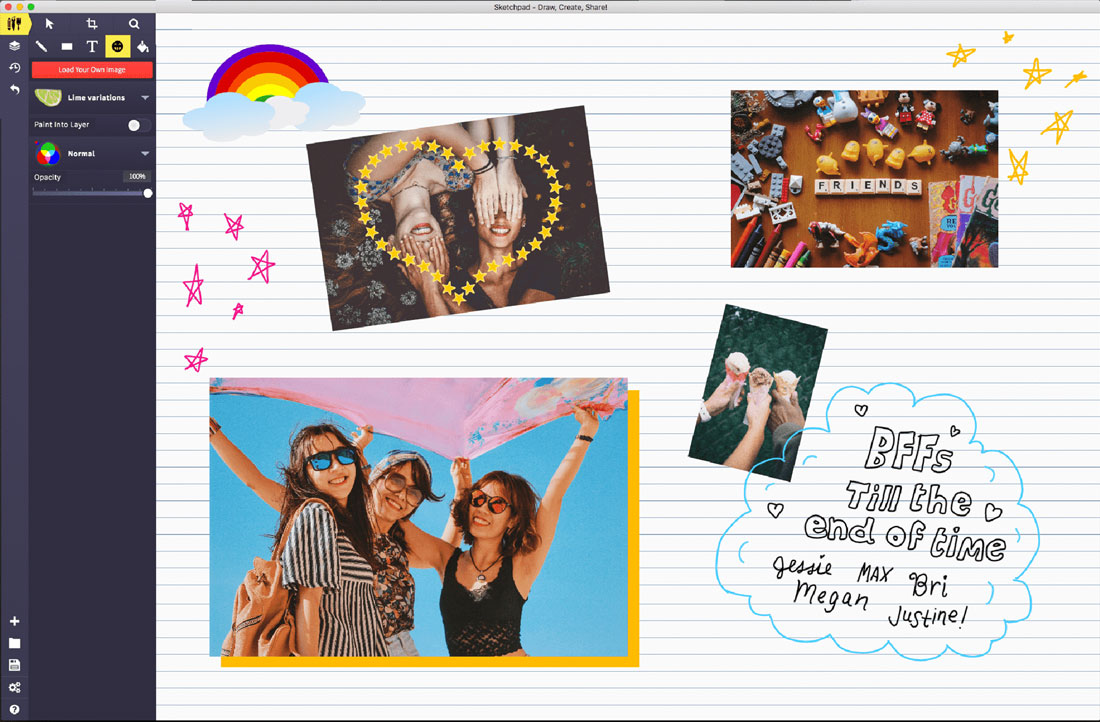
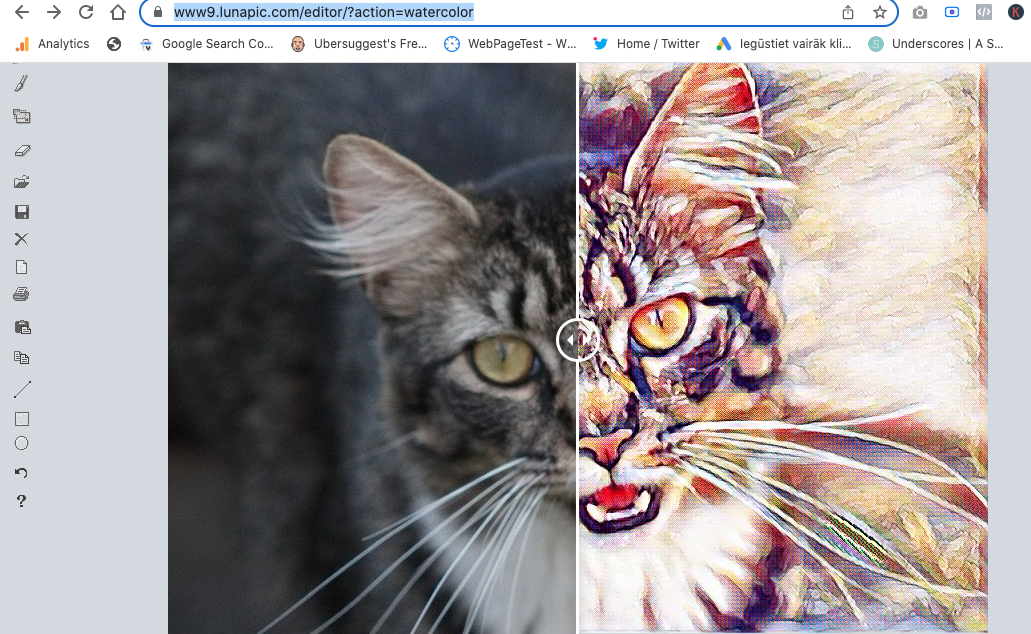
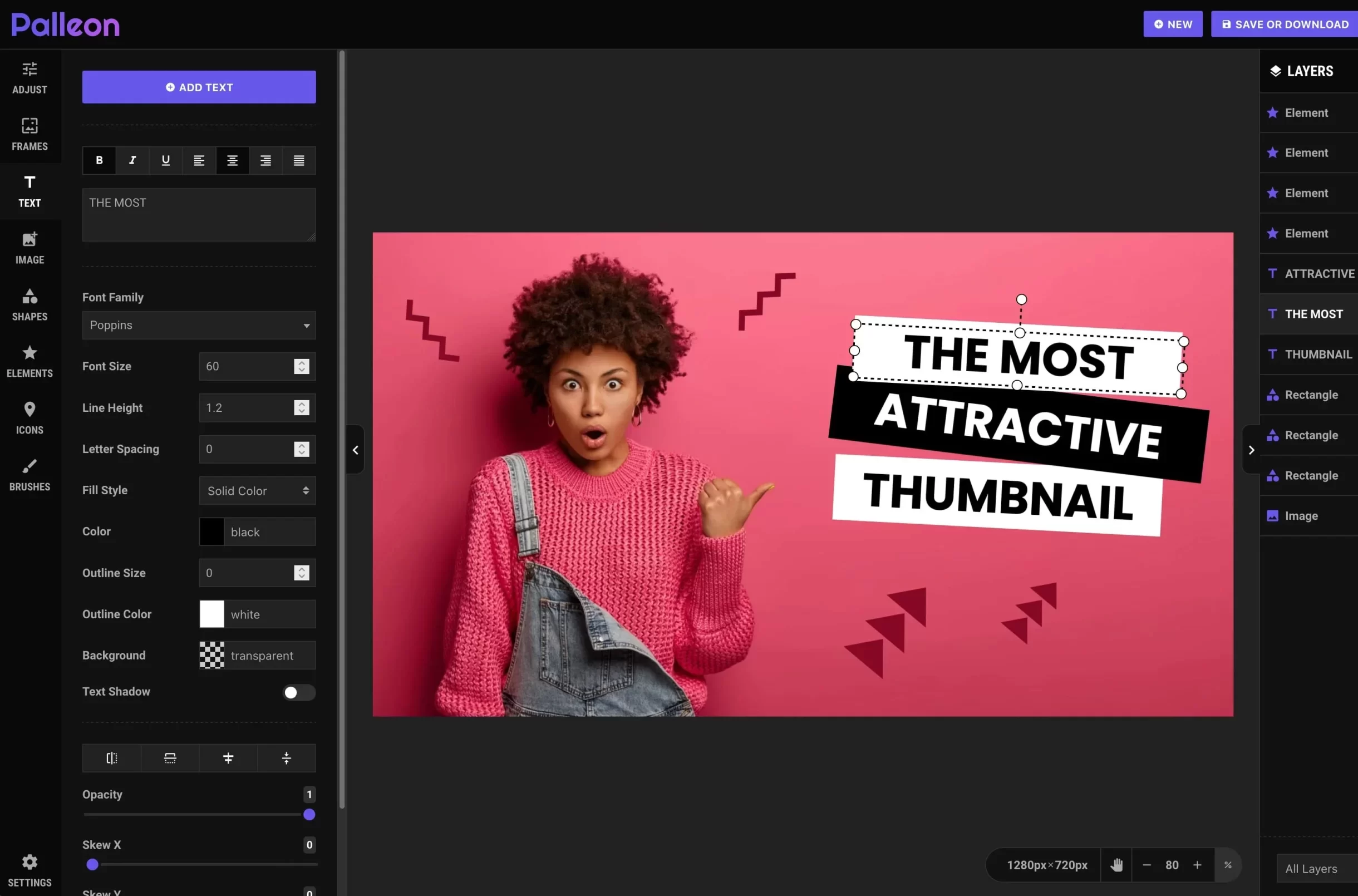
Welcome to our advanced Online Photoshop Editor powered by Photopea — a professional-grade photo editing solution that works directly in your browser. This powerful online tool is designed to closely match the experience of Adobe Photoshop, allowing you to edit images, design graphics, and work with layered PSD files without installing any software.
With Photopea, you get a true Photoshop-like environment online. No downloads, no subscriptions, and no system limitations. Simply open the editor and start working on your projects instantly, whether you are at home, in the office, or on the go.
Our online Photoshop alternative is perfect for beginners and professionals alike. Designers, photographers, marketers, social media creators, students, and business owners can all benefit from a familiar Photoshop-style interface combined with the convenience of browser-based editing.
Real Photoshop Experience — 100% Online
Photopea is not just a simple photo editor. It is a full-featured online Photoshop-style application that supports professional workflows. You can open and edit PSD files, work with layers, masks, smart objects, blending modes, and advanced selection tools — all directly in your web browser.
This means you can continue working on your Photoshop projects even if you don’t have Adobe Photoshop installed. Whether you are collaborating with a team, working on a shared computer, or using a lightweight laptop, Photopea gives you full access to professional tools anytime, anywhere.
The interface is intentionally designed to look and feel like Photoshop. If you already know Photoshop, you will feel right at home. Menus, panels, tools, and shortcuts are familiar, which makes switching to Photopea fast and effortless.
Professional Performance Without Heavy Software
Traditional Photoshop requires powerful hardware, large installations, and regular updates. Photopea removes all of these barriers. Everything runs in your browser using modern web technologies, delivering smooth performance even on average computers.
You can work with high-resolution images, multi-layer compositions, and complex designs without slowing down your system. This makes Photopea an excellent choice for users who want professional results but don’t want to deal with heavy software, licenses, or compatibility issues.
Because it is cloud-based, you can start a project on one device and continue on another. This flexibility is ideal for remote work, travel, and collaboration.
Key Photoshop-Like Features in Photopea
Full Layer Support
Work with unlimited layers just like in Adobe Photoshop. Create, duplicate, group, hide, lock, and organize layers with ease. Adjust layer opacity, use blending modes, and build complex compositions with total creative control.
Layer-based editing allows you to experiment freely without damaging your original image. This non-destructive workflow is essential for professional design and photo editing.
Masks and Non-Destructive Editing
Use layer masks to hide and reveal parts of your image without permanently deleting pixels. Masks give you precise control over edits, making it easy to blend images, create composites, and fine-tune adjustments.
Non-destructive editing means you can always go back and modify your work without starting over — a core principle of professional Photoshop workflows.
Advanced Selection Tools
Select objects, people, and backgrounds with powerful selection tools. Use magic wand, lasso, polygonal lasso, quick selection, and more to make accurate selections.
Precise selections are essential for background removal, object isolation, and targeted edits. Photopea gives you the tools you need to work efficiently and professionally.
Retouching and Healing Tools
Remove blemishes, dust, scratches, and imperfections using healing and clone tools. Perfect for portrait retouching, product photos, and restoring old images.
These tools help you achieve clean, professional results that look natural and polished.
Filters, Adjustments & Color Correction
Apply professional filters and adjustment layers to control brightness, contrast, levels, curves, hue, saturation, exposure, and color balance.
Create dramatic looks, cinematic color grading, black-and-white photos, vintage effects, and artistic styles. Adjustment layers allow you to fine-tune colors and tones with precision.
Text, Shapes & Graphic Design Tools
Add text layers, vector shapes, icons, and overlays to your designs. Choose fonts, adjust spacing, apply styles, and create professional layouts.
Perfect for banners, ads, social media posts, thumbnails, presentations, and website graphics. Photopea turns your browser into a complete graphic design studio.
PSD, JPG, PNG and More — Full Format Support
Photopea supports a wide range of file formats, including PSD, JPG, PNG, SVG, PDF, and more. You can open Photoshop files, continue editing them, and export your final designs in high quality.
This makes Photopea ideal for working with clients, teams, and existing Photoshop projects.
Why Choose Photopea as Your Online Photoshop?
Photopea combines the power of Photoshop with the convenience of online access. It is one of the closest alternatives to Adobe Photoshop available in a web browser.
You don’t need to worry about licenses, installations, or system requirements. Everything works instantly, making Photopea a smart choice for professionals and casual users alike.
No Installation, No Downloads
Start editing immediately. Just open the page and launch Photopea in your browser.
Works on Any Operating System
Use Photopea on Windows, Mac, Linux, Chromebook, and even tablets. All you need is a modern browser.
Perfect for Learning Photoshop Skills
Because Photopea looks and works like Photoshop, it is perfect for learning and practicing Photoshop techniques. Students and beginners can build real-world skills without paying for expensive software.
Save Money While Staying Professional
Get access to professional-level tools without costly subscriptions. Photopea gives you incredible value with powerful features at no extra cost.
Ideal for Designers, Photographers & Content Creators
Our online Photoshop editor with Photopea is perfect for:
- Professional photo retouching
- Graphic design and layouts
- Social media graphics
- YouTube thumbnails and channel art
- Website banners and UI elements
- E-commerce product images
- Logo design and branding
- PSD file editing and collaboration
Whether you are editing photos, designing graphics, or working with layered Photoshop files, Photopea gives you everything you need.
Familiar Interface — Powerful Workflow
Photopea is designed to feel familiar to Photoshop users. Toolbars, panels, menus, and shortcuts follow industry standards, making it easy to work fast and efficiently.
At the same time, beginners will find the interface intuitive and easy to learn. You can grow from basic edits to advanced professional techniques all in one tool.
Private, Secure and In Your Control
Your files remain under your control. You decide when to upload, edit, and export your images. This makes Photopea suitable for personal projects as well as professional and business use.
Start Using Photopea — Your Online Photoshop Today
Stop depending on heavy desktop software. With Photopea, you get a true Photoshop-like editor directly in your browser.
Upload your PSD or image, start editing instantly, and create professional-quality designs in minutes. No downloads. No installations. Just powerful, flexible, online Photoshop editing with Photopea.